

“How to Handle Partial Credit with a Grading Calculator”
As a teacher, awarding partial credit is an important way to recognize the effort and understanding students put into their work — even if they didn’t get everything correct. However, calculating partial credit manually can be time-consuming and prone to errorQuick Grade, . Luckily, grading calculators are here to simplify the process, making it faster, more consistent, and more accurate.
Here’s how you can handle partial credit easily using a grading calculator:
1. Set Up a Custom Rubric for Grading
The easiest way to handle partial credit in a grading calculator is by setting up a custom rubric. Rubrics are a great way to break down the grading process into smaller, clear criteria (e.g., content, organization, grammar) and assign partial credit for each component.
- How It Works:
You create a rubric with clearly defined levels of achievement. For example, for an essay, you might award 5 points for a strong argument, 3 points for a partially developed argument, and 1 point for a weak argument. This way, even if a student doesn’t fully complete a task, they can still earn partial credit.Easy Grader, - Why It Helps:
The grading calculator applies the rubric automatically, ensuring that students are graded fairly and consistently, even if they didn’t get everything correct.
Tip: Use a rubric that’s clear and specific so both you and the students know exactly what’s expected and how partial credit is awarded.
2. Assign Partial Credit for Each Question
If you’re grading multiple-choice questions, short-answer questions, or problems with a right-or-wrong answer, awarding partial credit can be tricky. Many grading calculators allow you to assign partial credit for answers that are close to correct or demonstrate partial understanding.
- How It Works:
For example, if a student answers a multiple-choice question partially correctly (e.g., they select the correct option but miss a key detail), you can give them half credit. With a grading calculator, you can set up the system to award 0.5 points out of 1 for a partially correct answer. - Why It Helps:
The calculator makes it easy to assign partial credit for individual questions, rather than manually calculating and adjusting scores. This is especially useful for tests and quizzes.
Tip: Set up the calculator to assign specific point values for different answer levels, so partial credit is automatically applied..YOU CAN ALSO READ: Teachers: Automate Grading with This Easy Calculator
3. Use Points Instead of Percentages for More Flexibility
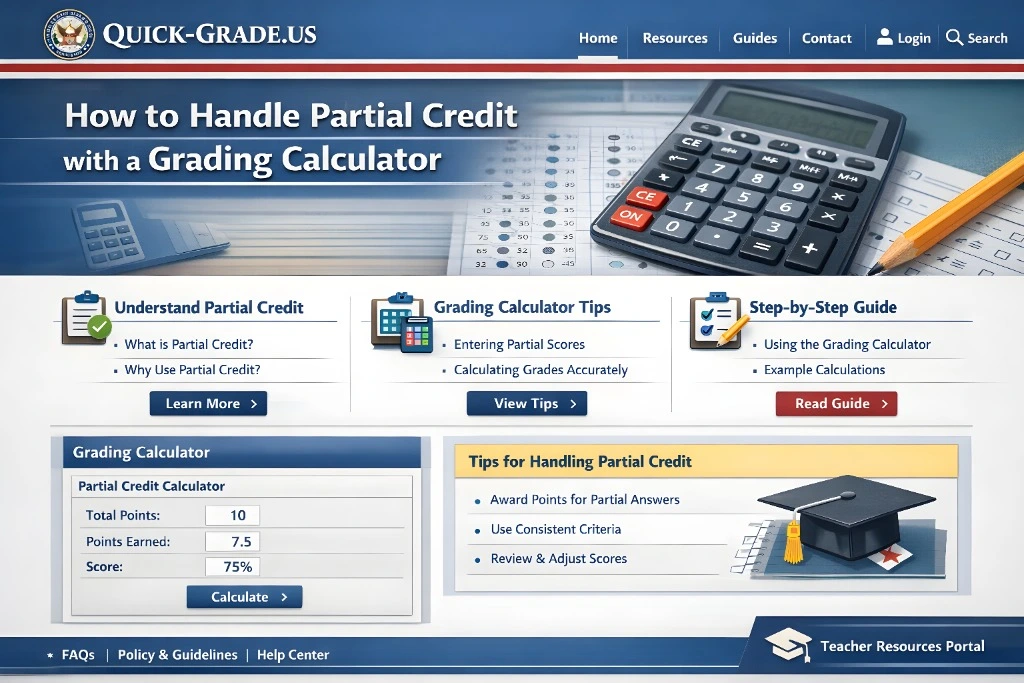
When grading assignments or exams, switching from a percentage system to a points system can make awarding partial credit much easier. With a points system, you can easily assign fractional points for partial answers, rather than trying to break down percentages.
- How It Works:
Let’s say an essay is worth 20 points, but a student earns only 15 points because they didn’t answer part of the question fully. With a points system, you can easily assign half points (e.g., 10/20 for a partial answer). - Why It Helps:
A points-based grading system provides greater flexibility and allows you to award partial credit without worrying about percentages.
Tip: Choose a grading calculator that lets you customize the point values for each question or assignment.
4. Allow for Extra Credit and Adjustments
Many grading calculators allow you to incorporate extra credit and adjustments to final grades. This is useful when you want to give students partial credit for work that was almost correct but needs a little improvement. You can adjust the final score upward based on the additional credit awarded.
- How It Works:
A grading calculator lets you add extra points for specific achievements, allowing you to boost students’ grades if they performed well on certain assignments or tasks. For example, if a student earns 80% on an essay but completed a challenging extra credit question, you could add 2 additional points to their score. - Why It Helps:
Extra credit allows students to recover from mistakes or missing parts of an assignment, while the grading calculator automatically adjusts their final grade based on the additional points.
Tip: Ensure the extra credit doesn’t exceed the total points available for the assignment to avoid accidentally inflating grades.
5. Calculate Final Scores with Partial Credit Automatically
After awarding partial credit for various assignments, the next task is calculating the final score. Most grading calculators allow you to weight assignments (e.g., homework 30%, exams 50%, projects 20%) and apply partial credit automatically. The calculator computes the final grade by combining the partial credit you’ve awarded for each component.
- How It Works:
After you enter all the scores, including partial credit, the grading calculator multiplies each score by the respective weight and sums the results to get the final grade. This takes care of the math, ensuring accuracy and consistency. - Why It Helps:
You don’t have to manually calculate the impact of partial credit on the final grade. The grading calculator does everything for you, saving time and effort.
Tip: Double-check that the weights for each assignment category add up to 100% to avoid miscalculations.
Best Grading Calculators for Handling Partial Credit
If you’re looking for a grading calculator to help with partial credit, here are some great tools:
- Google Sheets with Add-ons (Flubaroo, Gradebook): Free and customizable, with flexible options for assigning partial credit.
- GradeHub: Simple tool for grading assignments and applying partial credit with rubrics.
- Gradescope: Ideal for rubric-based grading, especially for essays and projects.
- Quizizz: Great for multiple-choice quizzes with instant feedback and partial credit options.
(FAQs)
1. Can I use a grading calculator to handle partial credit for essays?
Yes! Many grading calculators allow you to use rubrics for essay grading, where you can easily assign partial credit based on specific criteria (e.g., argument clarity, evidence, grammar).
2. How do I assign partial credit for multiple-choice questions?
Most grading calculators allow you to assign partial points for multiple-choice questions by setting up the calculator to recognize partial answers or incomplete responses.
3. Are grading calculators free to use?
Many grading calculators offer free versions with basic features. Some tools may offer paid versions for more advanced functionalities, but free tools like Google Sheets and Flubaroo work great for most teachers.
4. How do grading calculators handle weighted grades with partial credit?
Grading calculators can handle weighted grades and partial credit by applying the set weights to each category and calculating the final grade automatically based on the partial scores you input.
5. Can I track progress with partial credit using a grading calculator?
Yes, many calculators offer tracking features that allow you to monitor student progress and analyze performance across multiple assignments, including partial credit.
Final Thoughts
Grading essays doesn’t have to be overwhelming. By using a grading calculator that supports partial credit, you can grade more efficiently, ensure fairness, and reduce the time you spend on calculations. Whether you’re grading essays, quizzes, or projects, a grading calculator makes the process faster, more accurate, and more consistent.
Start using a grading calculator today to handle partial credit and save time on grading!


