

Grading Calculator for Teachers: A Game Changer
Grading can take hours every week, especially if you teach large classes or give multiple assignments. A grading calculator is a tool that makes scoring faster, easier, and more accurate. For teachers, it’s truly a game changer because it saves time and reduces mistakes.Quick Grade
What is a Grading Calculator?
A grading calculator is a digital tool or online app that converts student scores into percentages and letter grades automatically. Instead of doing the math manually, you enter the total points and the student’s score, and the calculator does the rest instantly.You can also read: How to Import Answer Keys to Your Grading Tool 2026
Why Every Teacher Needs One
Using a grading calculator offers several benefits:
- Saves time – no manual math for each student
- Reduces errors – automatic calculation minimizes mistakes
- Supports large classes – batch input lets you grade multiple students at once
- Organizes results – keeps grades consistent and easy to track
How to Use a Grading Calculator Step by Step
- Open your calculator online or on your app.
- Enter the total points for the assignment or test.
- Enter the points each student earned.
- Click calculate to see percentages and letter grades instantly.
- Record or export results for your gradebook or LMS.
Key Features to Look For
A good grading calculator should have:
- Batch input – grade multiple students at once
- Customizable grading scale – match your school or class rules
- Export options – download results for records
- Feedback options – add quick comments or notes
- Mobile-friendly access – grade anywhere, anytime
Tips to Make Grading Even Faster
- Use rubrics to standardize grading and improve consistency
- Organize assignments by class or type before grading
- Combine with quiz platforms for automatic scoring of multiple-choice tests
- Review automated feedback to keep it personal for students
Using a Calculator for Different Assignments
Grading calculators aren’t just for tests. You can use them for quizzes, homework, projects, or participation points. Adjust the total points or weight for each assignment type to ensure accurate final grades.
Integrating with Your Workflow
To get the most from a grading calculator, integrate it with your teaching workflow. Sync with your LMS, schedule grading sessions, and use batch processing to save hours each week.
Tracking Student Progress
Many calculators allow you to save results or export spreadsheets. Use this to track student progress, spot trends, and plan lessons based on performance.
Common Mistakes Teachers Make
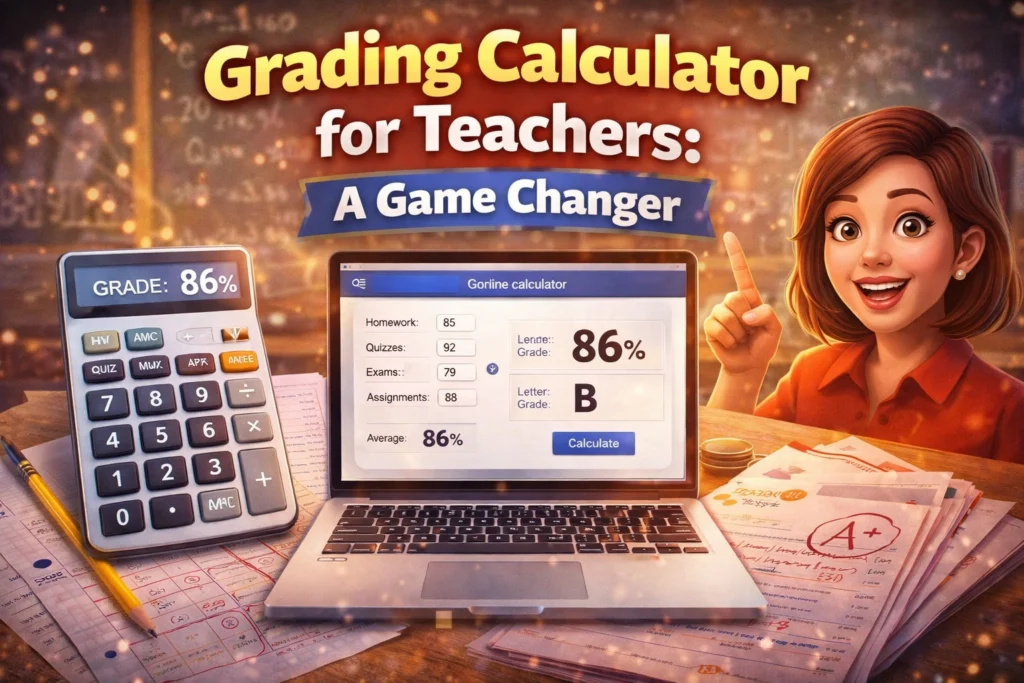
Even with a grading calculator, mistakes can happen. Common pitfalls include entering the wrong total points, forgetting to adjust grading scales, or relying solely on automation for subjective work. Being aware of these helps you avoid errors.
Choosing the Right Calculator for Your Class
Different tools work better for different class sizes and types of assignments. Some calculators are simple and free, while others include AI-powered features, batch grading, and LMS integration. Pick one that fits your workflow and student needs.
Encouraging Student Engagement
Quick and accurate grading allows students to get feedback faster. Using a grading calculator helps you respond promptly, which motivates students and encourages engagement in learning.
Combining Manual and Digital Grading
Digital tools speed up numeric scoring, but essays and projects still require human judgment. Use the calculator to record points and feedback efficiently while reviewing complex work manually.
FAQs About Grading Calculators
1. Can a grading calculator handle large classes?
Yes, especially calculators with batch input or spreadsheet imports.
2. Do I need to install software?
No. Many calculators are online and work directly in your browser or app.
3. Can I adjust scores after calculating?
Yes, most tools allow score edits or overrides.
4. Are these calculators free?
Many basic calculators are free. Paid versions often include batch grading, reporting, and integration features.
5. Do grading calculators replace teacher judgment?
No. They speed up scoring, but teachers still need to review essays, projects, and subjective assignments manually.
Final Words
A grading calculator is a real game changer for teachers. It saves time, reduces errors, and keeps grades organized. By using it alongside rubrics and a clear workflow, grading becomes faster and less stressful, leaving more time for teaching and supporting students.


