

Easy Grader for Printable Grade Charts
Keeping track of student grades doesn’t have to be complicated. An Easy Grader for Printable Grade Charts helps teachers organize, visualize, Quick Grade, and share student progress in a simple way.
If you’re tired of manually calculating scores or creating charts by hand, this guide will show you how to use an easy grader to make printable grade charts fast and effectively.
What Is an Easy Grader for Printable Grade Charts?
An Easy Grader is a tool, digital or paper-based, that helps teachers calculate grades quickly. When combined with printable charts, it allows you to:
- Track student performance visually
- Spot trends in grades at a glance
- Share progress with students and parents
Printable grade charts are especially helpful for parent-teacher conferences, classroom displays, or quick progress reports.
How to Create a Printable Grade Chart
Here’s a simple step-by-step guide:
1. Collect Scores
Gather all the scores you need for your chart. This could include homework, quizzes, tests, or participation points.You can also read: How to Compare Total Points vs Weighted Grades 2026
2. Choose a Chart Format
Decide on the type of chart that works best:
- Bar Chart: Shows each student’s score clearly.
- Line Graph: Good for showing progress over time.
- Table Chart: Simple and easy for quick reference.
3. Use an Easy Grader Tool
Enter the scores into your Easy Grader. Most tools automatically calculate totals, percentages, or averages, which saves time and reduces errors.
4. Generate the Chart
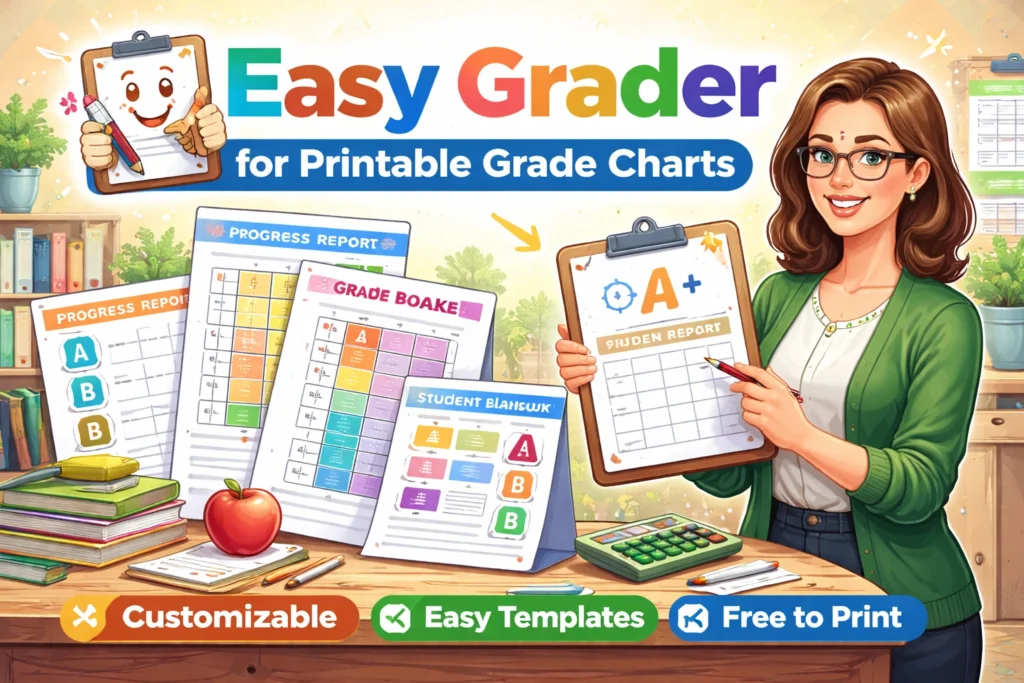
Once your scores are entered:
- Many tools allow you to create a visual chart instantly.
- Adjust the chart to fit your printable layout.
- Include labels like student names, assignment titles, and grades.
5. Print and Share
Print your chart in color or black and white. You can:
- Post it in the classroom
- Include it in student folders
- Use it during parent-teacher conferences
Tips for Using Printable Grade Charts Effectively
- Keep it simple: Too many details can make charts hard to read. Focus on key assignments or totals.
- Update regularly: Weekly or monthly updates help keep charts accurate and useful.
- Highlight trends: Use colors to mark improvements or areas needing attention.
- Protect student privacy: Only share charts with relevant people.
Advantages of Using Printable Grade Charts
- Quick visual representation of student performance
- Easier to identify students who need support
- Saves time for teachers during grading and conferences
- Supports transparency and communication with parents
FAQs
1. Can I use these charts for large classes?
Yes. Printable charts can scale up for any number of students. Consider grouping by class sections if needed.
2. Do I need special software to make charts?
No. Many Easy Grader tools have built-in chart options, or you can use spreadsheets like Excel or Google Sheets.
3. Can I customize the charts?
Absolutely. You can choose colors, labels, and chart types that fit your classroom needs.
4. Are printable charts better than digital charts?
They’re different. Printables are great for meetings and quick reference, while digital charts are interactive and easier to update.
5. Can these charts be used for parent conferences?
Yes. Printable grade charts are perfect for parent-teacher meetings, as they give a clear snapshot of student performance.
Final Thoughts
An Easy Grader with printable grade charts simplifies classroom management, saves time, and keeps students’ progress visible. With a few minutes of setup, you can have professional-looking charts ready to print and share.


