

Quick Grading: Save Time with Digital Tools
Grading can be a major time drain for teachers. From tests to essays, adding up scores and giving feedback can take hours. The good news is that digital tools can speed up the process, making grading faster, easier, and more accurate. Quick Grade
Why Use Digital Grading Tools?
Digital tools help you save time and reduce mistakes. They automatically calculate percentages, assign letter grades, and sometimes even provide feedback suggestions. This lets you focus on helping students learn instead of crunching numbers.
Top Digital Tools for Quick Grading
1. Online Grading Calculators – These instantly convert points into percentages and letter grades. Many allow batch grading so you can enter multiple scores at once.
2. Learning Management Systems (LMS) – Platforms like Google Classroom or Canvas have built-in grading features. You can input assignments, track scores, and provide feedback all in one place.
3. Essay Grading Tools – Some AI-powered tools help you grade essays faster by analyzing content, matching it to rubrics, and suggesting feedback.
4. Quiz and Assessment Platforms – Tools like Kahoot, Quizizz, or Quizlet automatically grade multiple-choice quizzes and give instant results.You can also read: How to Use a Grading Calculator for Easy Scoring
Key Features to Look For
When choosing a digital grading tool, make sure it includes:
- Batch grading – grade many students at once.
- Customizable grading scales – match your school’s system.
- Feedback options – leave comments easily.
- Export and reports – save results and track student progress.
- Mobile-friendly access – grade anywhere, anytime.
Tips to Make Grading Even Faster
- Organize assignments by class and type before grading.
- Use rubrics consistently so tools can match scores accurately.
- Combine digital tools with quick grade calculators for small assignments.
- Review automated feedback to ensure it stays personal.
How Digital Tools Reduce Errors
Using digital tools minimizes math mistakes and human errors. Automated calculations mean no more miscalculating percentages or missing students’ scores, and integrated systems keep records accurate and organized.
Integrating Digital Grading Tools with Your Workflow
Digital grading tools work best when integrated into your daily routine. Sync them with your LMS, schedule grading time, and use batch processing to make grading faster and smoother.
Choosing the Right Tool for Your Class Size
Different tools suit different class sizes. For small classes, simple calculators may be enough. For large classes or multiple assignments, AI-powered or LMS-integrated tools save significant time.
Encouraging Student Engagement with Quick Grading
When students receive quick grades and feedback, they are more likely to engage with your lessons. Digital tools help provide timely responses, which motivates students and improves learning outcomes.
Combining Manual and Digital Grading
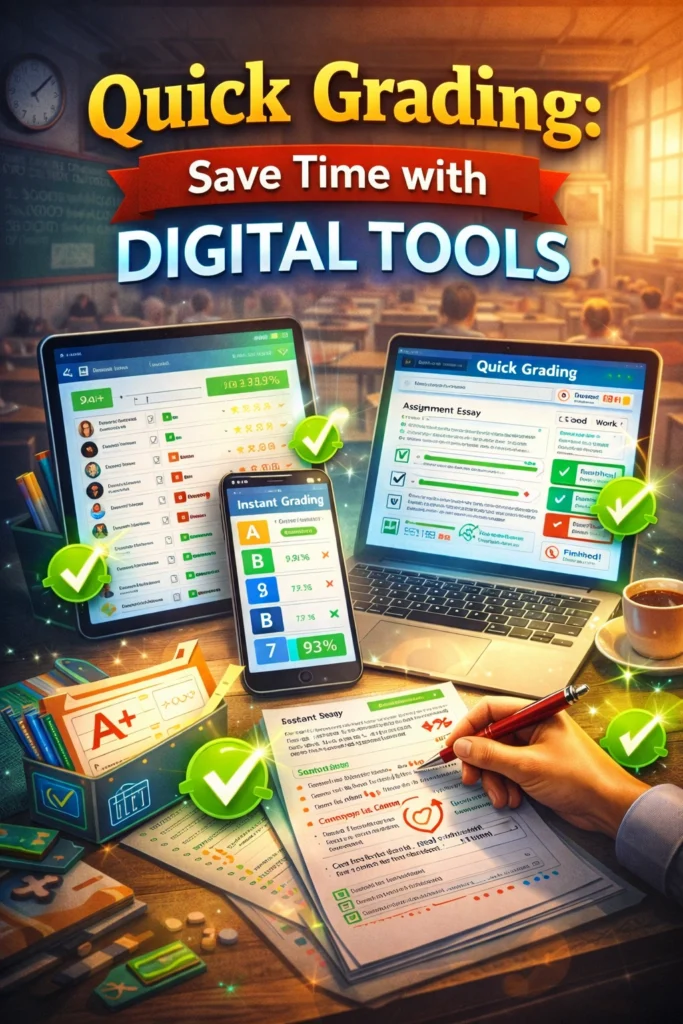
Even with digital tools, some work still requires human judgment. Use automated grading for quizzes or numeric scores, and manually grade essays, projects, or creative assignments while using the tool to record points and feedback efficiently.
FAQs
1. Can I use these tools for all subjects?
Yes, most tools work for numeric scores, essays, and quizzes.
2. Are these tools expensive?
Many free options are available. Premium tools often add batch grading, integrations, and reporting features.
3. Do I still need to check scores manually?
For numeric tests, digital tools handle grading accurately. Essays and subjective work still need teacher review.
4. Can I integrate them with my classroom system?
Yes, most LMS and some calculators integrate with Google Classroom, Canvas, or other platforms.
5. Will digital grading tools save time?
Absolutely. Many teachers report saving hours per week by using these tools consistently.
Final Words
Quick grading with digital tools is a game-changer for busy teachers. By automating calculations, speeding up feedback, and keeping everything organized, these tools free up your time so you can focus on teaching and supporting students. With the right tool, grading becomes faster, simpler, and less stressful.


