

Grading Calculator Features That Save Time and Stress
As a teacher, grading is essential, but it’s also one of the most time-consuming tasks you face. Between checking papers, adding scores, calculating averages,Quick Grade, and providing feedback, it can quickly become overwhelming. But what if there was a way to make grading faster, easier, and less stressful?
Enter grading calculators. These tools are designed to help you handle grading with minimal effort and maximum accuracy. Here are some key features of grading calculators that can save you time and reduce the stress of grading.
1. Automatic Calculations
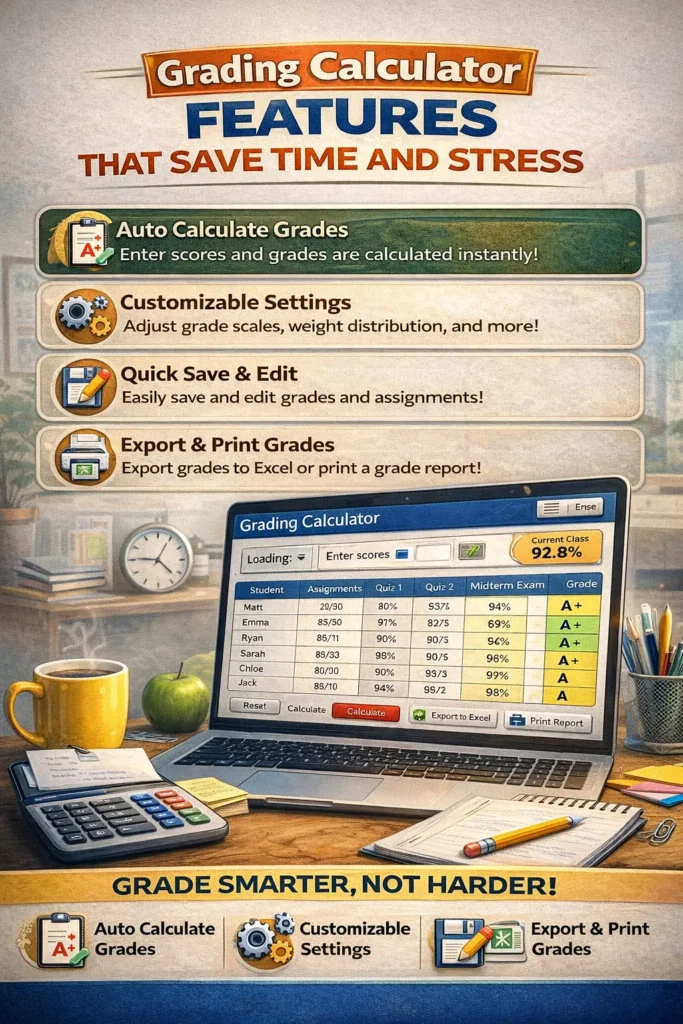
One of the biggest time-savers when it comes to grading is the ability to automatically calculate grades. Manually adding scores or calculating averages can be error-prone and time-consuming. Grading calculators handle all the math for you, so you can focus on the content rather than the calculations.
- How It Works:
After entering the students’ scores, the calculator automatically computes the total grade based on the grading scale you’ve set. It calculates percentages, averages, and even final grades based on weighted categories. - Why It Saves Time and Stress:
The calculator removes the manual labor of adding and dividing scores. This ensures accurate results and significantly speeds up the process.YOU CAN ALSO READ:Why Every Teacher Needs a Quick Grade Calculator
2. Weighted Grade Calculation
Many teachers use a weighted grading system, where different assignments (like homework, quizzes, and final exams) contribute to the final grade in varying amounts. Manually calculating weighted grades can be tricky, but grading calculators make this process quick and easy.
- How It Works:
You simply assign a weight to each category (e.g., 30% for homework, 40% for exams, 30% for projects). The calculator then automatically applies these weights to each student’s score to determine their final grade. - Why It Saves Time and Stress:
No need for complicated math. The calculator ensures that weights are applied correctly, helping you calculate final grades accurately without additional effort.
Tip: Double-check that the total weights add up to 100% to avoid any errors in the final grade calculation.Easy Grader,
3. Rubric-Based Grading
Grading assignments like essays and projects can be subjective, but using a rubric-based grading system can help you stay consistent and objective. Grading calculators that support rubrics allow you to input specific criteria (e.g., clarity, argument strength, grammar) and automatically calculate the grade based on how well the student meets each criterion.
- How It Works:
You set up a rubric with specific categories and point values. As you grade each student’s assignment, the calculator automatically calculates their score based on the rubric. - Why It Saves Time and Stress:
Using rubrics ensures that you are grading all students consistently and fairly. The calculator saves you time by automatically scoring based on the rubric, and it helps you avoid any bias or inconsistency in grading.
Tip: Use a pre-designed rubric template to save time on setting up grading criteria for each assignment.
4. Instant Feedback
Providing feedback is a key part of grading, but it can be time-consuming to write personalized comments for each student. Some grading calculators allow you to provide instant feedback based on the answers or responses that students provide, especially for quizzes or tests.
- How It Works:
When grading quizzes or multiple-choice tests, the calculator can automatically generate feedback (e.g., “Great job!” for correct answers or “Review this concept” for incorrect answers). Some tools even allow you to store comment banks for common feedback phrases. - Why It Saves Time and Stress:
By automating feedback, you can provide students with immediate responses without having to type out the same comments for every student.
Tip: Customize your feedback templates to include useful tips or links to additional resources for students who need extra help.
5. Progress Tracking and Analytics
One of the hidden gems of grading calculators is the ability to track student progress over time. Many calculators provide analytics dashboards that show you class averages, individual progress, and trends in performance. This makes it easier to identify areas where students are excelling or struggling.
- How It Works:
After entering grades for multiple assignments, the calculator automatically updates progress reports for each student. It can show you overall class performance and highlight areas that need attention. - Why It Saves Time and Stress:
With instant access to performance data, you don’t have to manually track each student’s progress. You can identify struggling students early on and provide the support they need before their grades slip too far.
Tip: Use the analytics to adjust your teaching approach and focus on areas where most students are struggling.
6. Easy Data Import and Export
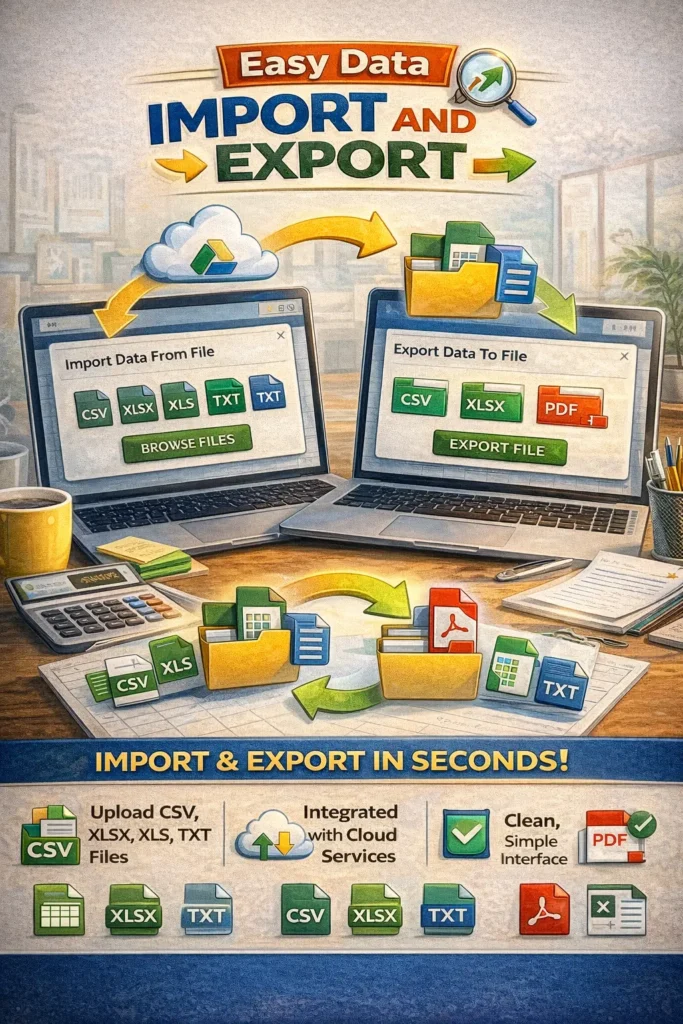
Manually entering student grades into multiple platforms can be exhausting. Fortunately, many grading calculators allow you to import data from other sources (like Google Forms, Excel, or your LMS), so you don’t have to input everything by hand. You can also export data into reports, which you can share with students or administrators.
- How It Works:
You can upload a CSV file or use an LMS integration to import student scores directly into the calculator. Once grades are calculated, you can export the data to a spreadsheet or report for easy sharing. - Why It Saves Time and Stress:
You won’t have to manually re-enter scores from other platforms. The tool does all the work for you, and you can share results quickly and easily.
Tip: Set up integrations with your LMS to automatically pull in scores, so you don’t need to manually update grades.
Best Grading Calculators That Save Time and Stress
If you’re looking for a grading calculator to help save time and reduce stress, here are some top choices:
- Google Sheets with Add-ons (Flubaroo, Gradebook): Customizable and free, with easy integration for grading.
- GradeHub: A simple tool for handling weighted grades and rubrics.
- Quizizz: Great for grading quizzes and offering instant feedback.
- Gradescope: Ideal for rubric-based grading, especially for essays and projects.
(FAQs)
1. Are grading calculators free to use?
Many grading calculators offer free versions or have free basic plans with optional paid upgrades. For example, Google Sheets is free, and tools like Quizizz offer free quizzes with grading automation.
2. Can I use grading calculators for all types of assignments?
Yes! Grading calculators can be used for multiple-choice quizzes, essays, projects, and even weighted assignments. Some tools allow for rubric-based grading for more subjective tasks like essays.
3. Can grading calculators track class performance over time?
Yes, most advanced grading calculators offer progress tracking and analytics to show you class averages, trends, and individual student performance.
4. How do grading calculators help with feedback?
Grading calculators can provide automated feedback for multiple-choice questions, and many also allow you to use comment banks to offer consistent feedback for subjective assignments.
5. How do I ensure accuracy with grading calculators?
Grading calculators are designed to reduce errors, but it’s important to double-check that you’ve set up everything correctly — especially rubrics, weighted categories, and grade boundaries.
Final Thoughts
Grading doesn’t have to be a stressful, time-consuming process. By using grading calculators with features like automated calculations, weighted grading, rubrics, instant feedback, and progress tracking, you can save time, reduce errors, and make grading easier. These tools not only help you streamline the grading process but also provide valuable insights into student performance, allowing you to adjust your teaching and offer better support to your students.
Start using a grading calculator today to make grading faster, more accurate, and less stressful!


