

Is a Grading Calculator Better Than Spreadsheets?
As a teacher, you likely use some form of system to calculate and track student grades. Traditionally, spreadsheets like Google Sheets or Microsoft Excel have been the go-to tools for managing grades. However, with the rise of grading calculators,Quick Grade teachers now have an alternative that promises to make grading more efficient and less error-prone.
But which is better: grading calculators or spreadsheets? Let’s compare the two options to help you decide which one suits your grading needs.
1. Ease of Use: Grading Calculator vs. Spreadsheet
Grading calculators are specifically designed to simplify the grading process. They come pre-configured with grade-weighting systems, rubrics, and automatic calculations, so you don’t need to set up any formulas. All you need to do is input scores, and the calculator does the rest.
- Grading Calculator:
- Simple, intuitive interfaces.
- Automatic calculations based on preset or customizable grading criteria.
- Great for teachers who prefer a straightforward, no-fuss grading solution.
- Spreadsheets:
- While spreadsheets are flexible and customizable, they often require setting up complex formulas for weighted averages, class averages, and final grades.
- If you’re not comfortable with spreadsheet functions or formulas, it may take longer to set everything up.
Winner: Grading Calculator — Easier to set up and use, especially for those who are less familiar with complex formulas.
2. Customization: Grading Calculator vs. Spreadsheet
Spreadsheets offer more flexibility and customization. If you want to design a grading system from scratch, spreadsheets let you build exactly what you need, whether that’s a weighted grading system, class average tracker, or custom formulas for specific assignments.
- Grading Calculator:
- Many grading calculators are pre-configured to follow common grading systems, like percentage-based or weighted systems. While they may offer some flexibility (e.g., custom rubrics), they tend to be more rigid.
- Spreadsheets:
- Full customization options. You can design your grading system any way you want, and you have control over everything from grade boundaries to custom categories.
Winner: Spreadsheet — If you need total control and customization over your grading setup, spreadsheets are more flexible.
3. Time Efficiency: Grading Calculator vs. Spreadsheet
The main selling point of grading calculators is that they save you time. Most grading calculators automatically handle calculations, track assignments, and can even offer instant feedback for students. This is especially helpful when dealing with large classes or repetitive assignments.
- Grading Calculator:
- Quickly computes final grades based on weighted averages.
- Automatic grading of multiple-choice tests or quizzes.
- Instant feedback and reporting features.
- Spreadsheets:
- You have to manually input formulas, track assignments, and update grades. If you don’t have preset formulas, grading can take longer.
Winner: Grading Calculator — Offers a quicker, more automated solution, saving you time on calculations and reporting.YOU CAN ALSO READ:How to Use a Grading Calculator to Avoid Errors
4. Accuracy and Consistency: Grading Calculator vs. Spreadsheet
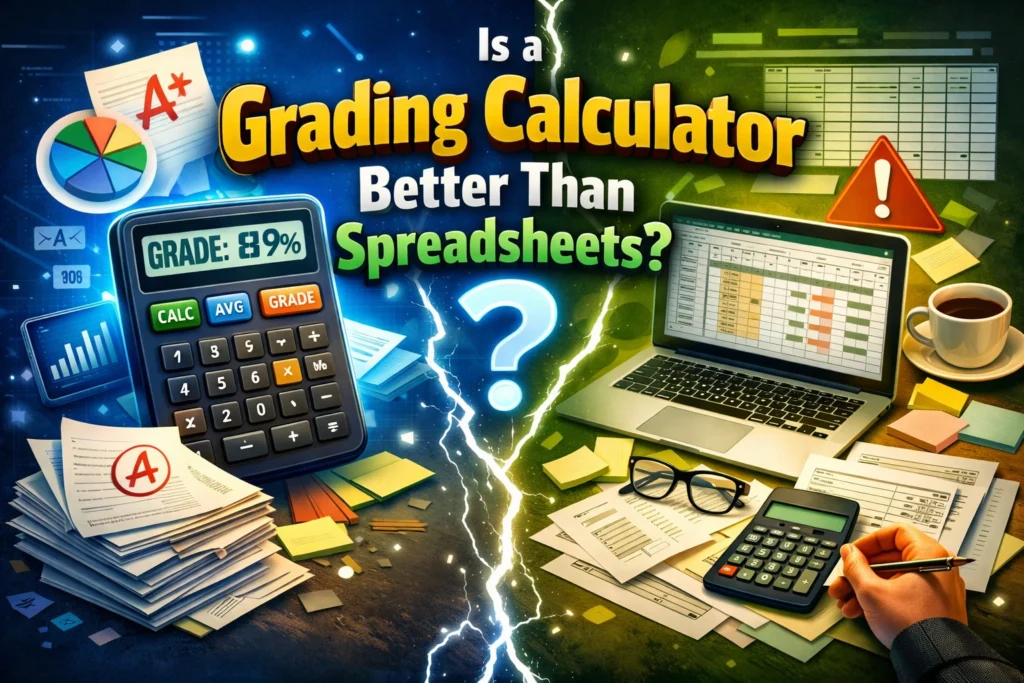
Both grading calculators and spreadsheets are accurate, but the key difference is that grading calculators are built to avoid human error. When you use a grading calculator, the tool ensures consistency in grading by applying the same standards to all students.
- Grading Calculator:
- Automatically applies grading rubrics and calculations, ensuring that every student is graded consistently and without error.
- Reduces the chances of miscalculating grades or forgetting to apply weights correctly.
- Spreadsheets:
- Spreadsheets are only as accurate as the formulas you input. If a formula is wrong or you forget to apply it to a student, mistakes can happen.
- It’s easy to make small errors in data entry or calculations.
Winner: Grading Calculator — Built specifically to ensure accuracy and consistency, reducing the chances of mistakes.
5. Reporting and Analytics: Grading Calculator vs. Spreadsheet
Grading calculators often come with built-in reporting features that give you instant insights into student performance. Some calculators provide class averages, performance tracking, and even visual graphs to help you analyze trends in student grades.
- Grading Calculator:
- Reports are often automatically generated, making it easy to track student progress over time.
- Some tools even offer analytics dashboards, showing you which students need help and where to focus your efforts.
- Spreadsheets:
- You can build your own reports and analytics, but this requires setting up the proper formulas and keeping track of the data yourself.
- While spreadsheets allow for in-depth analysis, it can be time-consuming to set up these reports from scratch.
Winner: Grading Calculator — Provides built-in reports and analytics that save time and help you track progress easily.
6. Cost: Grading Calculator vs. Spreadsheet
Both options have free versions available, but spreadsheets (like Google Sheets and Excel) are free to use, and you likely already have access to them. On the other hand, grading calculators can range from free tools to subscription-based services.
- Grading Calculator:
- Many free options are available (e.g., GradeHub, Google Forms with Flubaroo), but more advanced features may require a subscription.
- Spreadsheets:
- Free versions (like Google Sheets) are widely available and work well for basic grading purposes.
- Some Excel versions may require a purchase, depending on the platform.
Winner: Spreadsheet — Free and often already available to you, though some advanced grading tools may offer extra features at a cost.
Final Verdict: Grading Calculator or Spreadsheet?
Both grading calculators and spreadsheets have their strengths, but the right choice depends on your grading needs:
- Go with a grading calculator if you want an automated, time-saving solution that ensures consistency and accuracy, especially for multiple-choice tests or weighted grades.
- Choose a spreadsheet if you want total control over your grading system and need a more customizable, flexible tool that you can tailor to your exact needs.
Ultimately, grading calculators are a teacher’s best friend when it comes to streamlining the grading process and reducing time spent on administrative tasks. But if you need more customization, spreadsheets give you the flexibility to build your own system.
(FAQs)
1. Can grading calculators completely replace my grading for essays?
No, grading calculators are best used for technical aspects of essays, like grammar and spelling. The subjective evaluation of content quality, argumentation, and creativity still requires manual grading.
2. Can I use grading calculators for different types of assignments?
Yes! Grading calculators can handle multiple-choice tests, essays, projects, and even homework. Some tools offer rubric-based grading for subjective assignments.
3. How do grading calculators handle weighted grades?
Most grading calculators allow you to set weights for different assignments (e.g., exams, homework), and they will automatically calculate final grades based on those weights.
4. Do grading calculators provide feedback?
Yes, many grading calculators offer automated feedback for things like grammar, spelling, or missed questions. Some also allow you to input personalized feedback, ensuring consistency and saving time.
5. Are spreadsheets enough for tracking grades, or should I use a grading calculator?
Spreadsheets are highly customizable and great for those who want full control over their grading. However, grading calculators can save you time and reduce errors by automating calculations and providing more streamlined, efficient grading.
Final Words
When it comes to grading, both grading calculators and spreadsheets offer valuable benefits, but the choice ultimately depends on what works best for your teaching style and classroom needs. If you’re looking for speed, consistency, and ease of use, grading calculators can be a huge time-saver, particularly for handling automated calculations, weighted grades, and providing instant feedback. They take the guesswork out of grading and allow you to spend more time engaging with your students.
On the other hand, if you prefer full customization and control over every aspect of your grading system, spreadsheets give you the flexibility to design a grading system that perfectly suits your classroom. The trade-off is that it requires more manual effort, but for those who love the customization option, spreadsheets are a fantastic tool.
Ultimately, both options can be incredibly effective, and it’s all about finding the right fit for your classroom’s needs. So, whether you choose a grading calculator or a spreadsheet, make sure it works for you and helps you achieve the efficiency and accuracy you need to grade with ease!


