

The Best Grading Tools for Busy Teachers
Grading student work eats up hours every week. If you’re a teacher, tutor, or educator, you know how slow and tiring it can be. The good news is there are some great tools that make grading faster, easier, and less stressful. These tools help you score tests,Quick Grade, evaluate essays, organise grades, and give feedback without spending all your evenings grading.
Why Good Grading Tools Matter
Good tools save time, reduce mistakes and help you give better feedback quickly. Instead of doing all the math by hand, uploading and repeating the same feedback, these tools automate much of the work so you can focus on teaching.You can also read:Top Features Every Grading Calculator Should Have
Top Grading Tools for Busy Teachers
Here are some of the most useful grading tools you can try:
CoGrader – Easy AI grading that connects with classroom systems like Google Classroom and Canvas. You upload student work and a rubric, and it suggests scores and feedback for each student.
Gradescope – Great if you teach big classes or mixed formats like essays, math problems, or code assignments. It groups similar answers so you can grade one and apply that score to many.
Brisk Teaching – A free browser extension that works right in Google Docs or most classroom platforms. It lets you add smart feedback without learning a new system.
EssayGrader – A popular tool that cuts grading time dramatically by automating rubric‑based scoring and feedback for essays. You can upload entire classes at once.
Assessinator – A useful tool for tracking progress with custom assessment grids and automatic calculation of grades and feedback.
Online Gradebooks – Tools like Gradebook platforms let you enter scores, track progress over time, and manage everything online rather than on paper.
Tools for Different Grading Needs
Some tools cover more than grading:
All‑in‑One Teaching Platforms – Tools like EasyClass combine AI grading plus lesson planning, worksheets and more, saving time on multiple tasks.
Quiz‑Based Tools – Tools that let you create quizzes with automatic scoring so students get instant results while you focus on feedback.
Features to Look For in Grading Tools
When choosing a grading tool, think about these features:
Batch Grading — Upload all students at once so you don’t repeat the same steps over and over.
Rubric Compatibility — Let you upload or build your rubric so scores reflect how you really grade.
Feedback Generation — Saves you typing the same comments by suggesting or auto‑generating feedback.
Integration — Works with your class system like Google Classroom or Canvas so you don’t have to move grades manually.
Tips to Speed Up Grading Even More
Here are quick tips to get the most out of your tools:
Plan assignments with clear rubrics before grading so tools can follow your pace.
Use batch uploading instead of single uploads for students.
Review automated feedback before sending it to students so it stays personal.
Combine grading tools with quick grade calculators or quiz builders for small assignments.
How Teachers Are Using These Tools Today
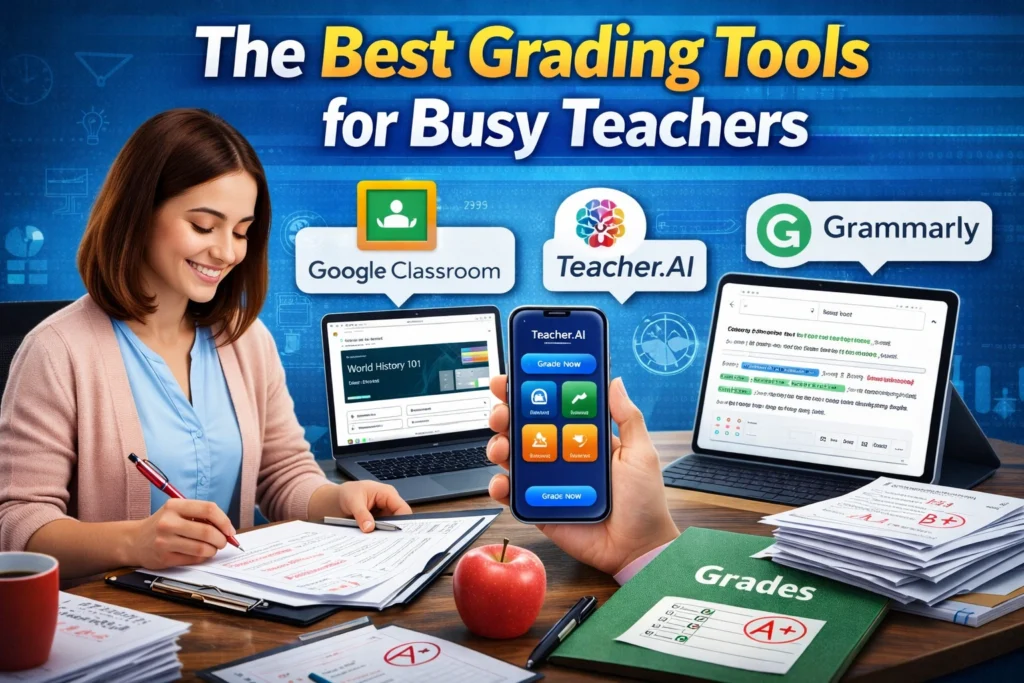
Many teachers are embracing AI‑powered tools that speed up grading not just of quizzes but also writing assignments. Schools are starting to officially adopt this trend so teachers can save time and give faster feedback to students.
FAQs for Teachers Choosing Grading Tools
What tool is best for essays and written feedback?
Tools with AI‑powered rubric grading, like CoGrader or EssayGrader, are often best for written work.
Can I integrate these tools with my current class system?
Many tools connect to systems like Google Classroom or Canvas so scores sync automatically.
Are free options worth it?
Yes, tools like Brisk Teaching or some gradebook systems are free and very helpful for basic grading.
Do these tools replace teacher judgment?
No. They help speed up scoring, but teachers should still review and personalise feedback.
Will these tools work for all subjects?
Most tools work across subjects, but specialised tools may work better for essays, math, or coding.
Final Thoughts
Busy teachers need tools that save time without losing quality. The right grading tools help you work smarter, not harder. Try a few, see what fits your workflow, and start pulling back hours of grading time each week. Once you find a system that works for you, grading becomes faster, easier, and a lot less stressful.


