

Top Features Every Grading Calculator Should Have
Grading student work can take up a lot of your time, but a good grading calculator makes it much faster and easier. Not all calculators are created equal,Quick Grade so knowing the key features can help you pick one that truly saves time and reduces mistakes.
Easy-to-Use Interface
The first thing every grading calculator should have is a simple and intuitive interface. You should be able to enter scores and see results without spending time figuring out how it works. A clean design helps you focus on grading instead of struggling with the tool.
Automatic Percentage and Letter Grade Calculation
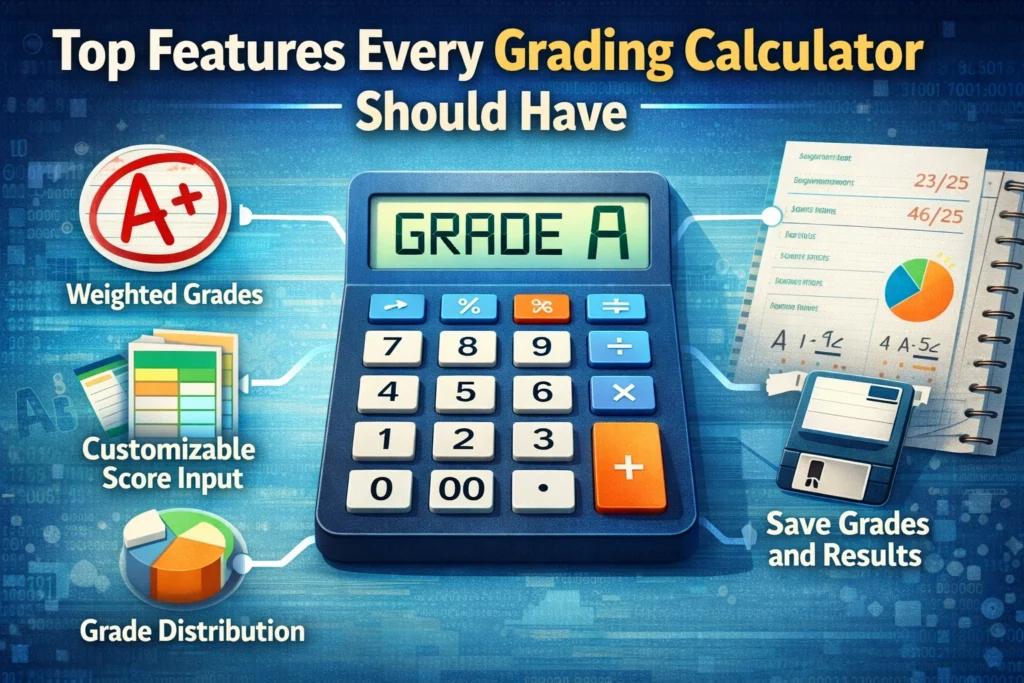
A grading calculator should instantly convert scores into percentages and letter grades. This eliminates manual math errors and makes grading faster. Look for tools that allow you to set your own grading scale for your class.
Batch Grading Support
If you have many students, batch grading is essential. A good calculator lets you input multiple scores at once or import scores from a spreadsheet. This feature can save hours, especially for large classes or multiple assignments.You can also read: Quick Grading: Save Time with Digital Tools
Customizable Grading Scale
Every school or teacher might have a slightly different grading scale. The best calculators let you adjust the grading scale so that the final grade matches your standards. This keeps results consistent and accurate.
Feedback Options
Some grading calculators include options to add feedback or comments alongside the grades. This feature helps you give students immediate, personalized feedback without extra typing.
Export and Reporting
A calculator should allow you to save or export grades in a spreadsheet or PDF. This feature helps you keep records organized, track student progress, and share results with students or administrators easily.
Mobile-Friendly and Accessible Anywhere
Teachers are often on the go. A grading calculator should work on phones, tablets, and computers so you can grade anywhere. Mobile-friendly tools let you handle grading during downtime or while away from your desk.
Integration with Other Tools
If your school uses Google Classroom, Canvas, or other LMS platforms, a grading calculator that integrates smoothly can save a lot of manual work. Integration helps keep everything in sync automatically.
FAQs About Grading Calculators
1. Can I use a grading calculator for all types of assignments?
Yes, most calculators handle tests, quizzes, and assignments with numeric scores. Some also support rubrics for essays or projects.
2. Do I need to install software?
Not necessarily. Many good grading calculators are online and work directly in your browser.
3. Can I adjust grades after calculating?
Yes, most tools let you edit scores or override automatic calculations if needed.
4. Are these calculators free?
Many basic calculators are free. Premium versions often include batch grading, export options, and integrations.
5. Do these tools replace teacher judgment?
No. They speed up math and calculations, but teachers should still review assignments and give personalized feedback.
Final Words
A grading calculator is only as good as its features. Look for ease of use, automatic calculations, batch grading, customizable scales, feedback options, export capabilities, mobile access, and integration with your workflow. With the right tool, grading becomes faster, easier, and more accurate, letting you spend more time teaching and less time crunching numbers.


