

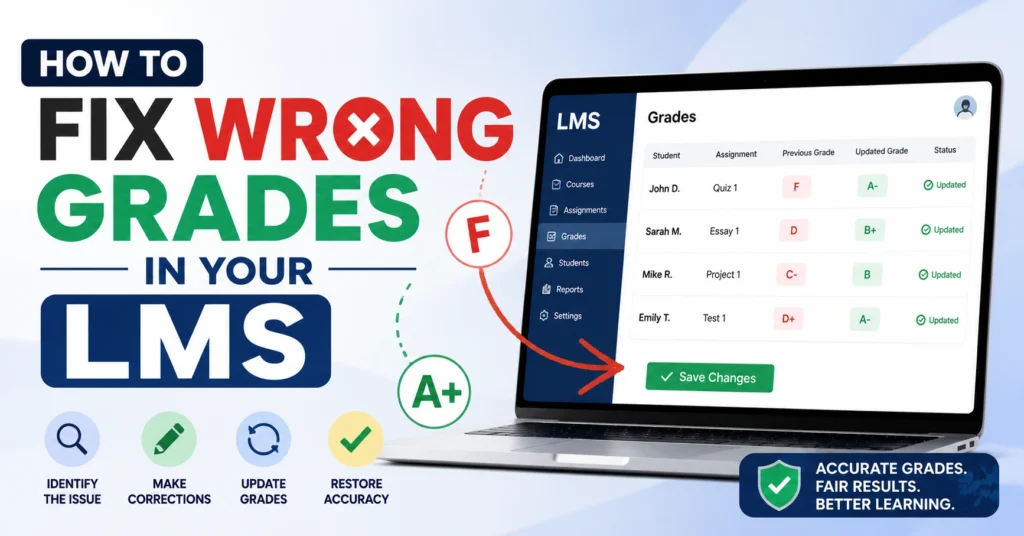
How to Fix Wrong Grades in Your LMS
Seeing the wrong grade in your Learning Management System (LMS) can be frustrating. You complete your assignments, submit them on time, and then notice a score that doesn’t match your expectations. Before panicking, Quick Grade know that LMS grade errors are common and are often easy to fix.
This guide explains the most common reasons for incorrect grades and the steps you can take to resolve the issue quickly.

Why Are Grades Wrong in an LMS?
Incorrect grades can happen for several reasons. Sometimes an assignment was not submitted properly. Other times, the gradebook settings may be incorrect, or the LMS may have trouble syncing grades from external tools.
Common causes include:
- Missing assignment submissions
- Grade syncing errors
- Incorrect grading weights
- Ungraded activities
- Manual grading mistakes
- Late submission penalties
- Multiple assignment attempts being counted incorrectly
Check Your Assignment Scores First
Before contacting your instructor, review your gradebook carefully.
Look for:
- Assignments marked as missing
- Zero scores that seem incorrect
- Ungraded work
- Duplicate submissions
- Incorrect point values
A single missing assignment can significantly affect your overall grade.
Verify Your Submission Status
Many grade problems happen because the assignment was never fully submitted.
Check for:
- Submission confirmation messages
- Upload receipts
- Submission timestamps
- Confirmation emails
If the LMS shows “Draft” instead of “Submitted,” your instructor may not have received your work.
Review Grade Weighting
Most LMS platforms calculate final grades using categories such as homework, quizzes, projects, and exams.
For example:
- Homework: 20%
- Quizzes: 30%
- Exams: 50%
If these percentages are set incorrectly, your final grade may appear higher or lower than expected.You can also read:Easy Grader vs Weighted Grade Calculator 2026
Check for Grade Sync Issues
Many schools use third-party tools for quizzes, labs, and assignments. Sometimes these tools fail to send grades correctly to the LMS.
Signs of a syncing problem include:
- Completed work showing as zero
- Missing grades
- Delayed grade updates
- Different grades between platforms
Take screenshots if you notice any of these issues.
Contact Your Instructor
If everything looks correct but the grade still seems wrong, contact your instructor politely.
Include:
- Course name
- Assignment name
- Submission date
- Screenshot evidence
- Clear explanation of the issue
A professional message often helps resolve grade disputes faster.
How to Prevent LMS Grade Problems
You can avoid many grading issues by following a few simple habits:
- Submit assignments before deadlines
- Save submission confirmations
- Check grades regularly
- Understand course grading policies
- Report problems as soon as you notice them
Regularly reviewing your gradebook helps catch mistakes before they affect your final course grade.
FAQs
Why is my LMS grade different from my assignment score?
Your LMS may apply category weights, late penalties, extra credit, or other grading rules that affect the final grade calculation.
Can I change a wrong grade in the LMS myself?
Students usually cannot edit grades directly. You must contact your instructor or LMS administrator to request a correction.
How long does a grade correction take?
Most grade updates appear immediately after an instructor makes changes, although some systems may take several hours to sync.
What proof should I provide when reporting a grade issue?
Include screenshots, submission receipts, confirmation emails, timestamps, and any feedback that supports your claim.
Should I contact LMS support or my instructor first?
Start with your instructor because most grade issues are course-related. Contact LMS support if the problem appears to be a technical system error.
Conclusion
Wrong grades in an LMS are usually caused by submission issues, grading settings, sync problems, or simple human errors. The best approach is to review your assignments carefully, verify your submission status, and communicate with your instructor if needed. Acting quickly can help resolve grade issues before they affect your academic record.


