

Teacher Grader for Large Classrooms 2026
Managing grades in a large classroom can feel overwhelming. When you have 30, 60, or even 150 students, grading every test, quiz, and assignment by hand takes hours and can drain your energy. But things are changing in 2026. New tools make grading faster, Quick Grade,easier, and more consistent so you can focus on teaching, not paperwork.
This guide explains what a teacher grader is, why it matters for big classes, and which 2026 tools can help you save time and stress — all explained like I’m talking to a friend.
What Is a Teacher Grader for Large Classrooms?
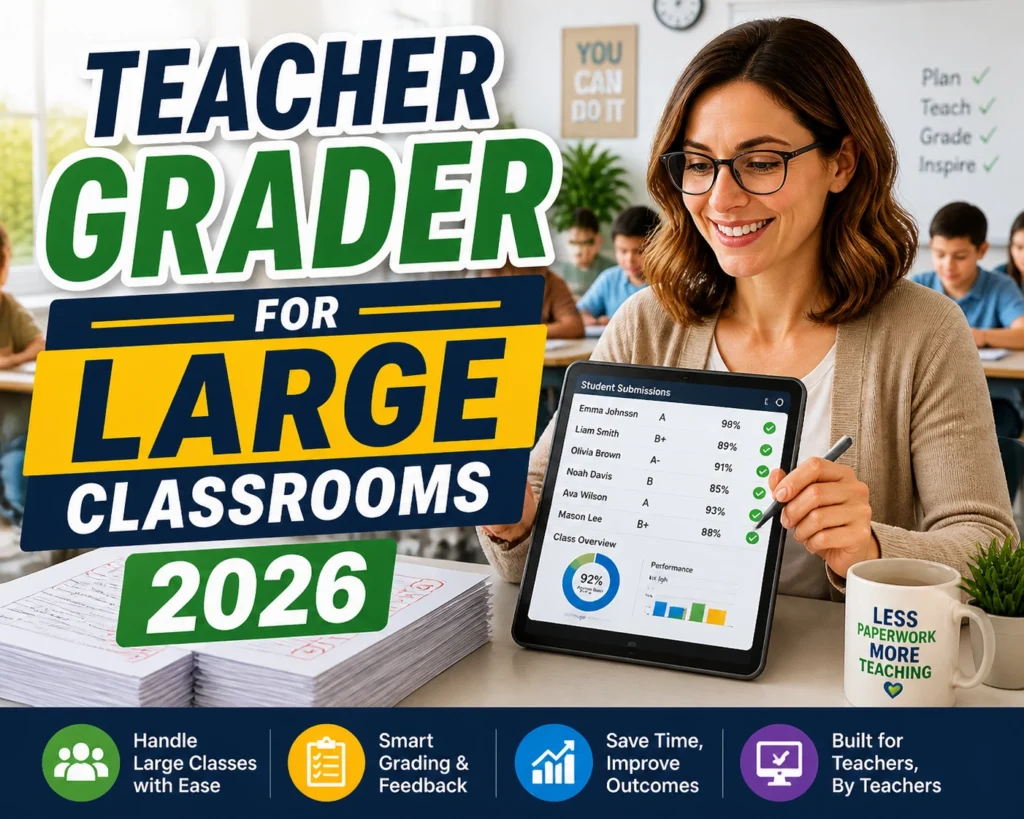
A teacher grader is software that helps teachers score student work quickly. Instead of grading each paper by hand, you upload assignments or enter scores, and the grader helps you:
- score multiple student submissions at once
- apply a rubric uniformly
- give feedback automatically
- see class performance in real time
Good graders can handle essays, quizzes, handwritten work, and even bubble sheets without extra effort. The key idea in 2026 is automation without losing control. You still decide final grades and feedback; the tool just does most of the busy work.
Why Large Classrooms Need Smart Grading
If you teach a small class, grading might fit your schedule. But in large classrooms:
- grading takes too long
- feedback arrives late
- consistency across 100+ papers becomes hard
- paper handling becomes a mess
Good grading tools can cut grading time dramatically — some teachers report saving 5–10 hours per week. That’s time you can spend answering questions, planning lessons, or helping students one-on-one.You can also read: Grade Calculator for Quiz Retakes and Regrades Simple Guide
What Makes a Great Grading Tool in 2026
When you’re choosing a grader for a big class, look for:
Easy Bulk Grading
The more you can process at once, the better. Tools that let you upload entire classes of assignments at one time and apply scores in batches save hours.
Rubric Support
A good grader lets you build or import your rubric so grading is fair and consistent for all students.
Feedback Automation
Rather than typing similar comments over and over, tools can generate feedback you edit once and reuse.
LMS Integration
If you use systems like Google Classroom or Canvas, pick a grader that connects to them for easier grade posting.
Top Teacher Grading Tools for Large Classrooms in 2026
1. GradingPal
Helps automate grading for worksheets, essays, and quizzes. Teachers upload assignments with a rubric and get instant scores and feedback. It also shows trends and mastery levels for the whole class.
Best for: All subjects, large class sets, real class insights.
2. Gradescope
Uses machine learning to group similar student responses together so you grade one answer and apply it to many students at once. Handles handwritten and typed work.
Best for: STEM classes, exams, bubble sheet grading.
3. Grade Automator+
Combines AI grading with rubric creation and analytics. Simplifies admin tasks and gives quick insights on student performance.
Best for: Teachers who want a grading assistant and detailed class metrics.
4. CoGrader
Works well for writing assignments and essays. Upload your rubric once and apply it across many student papers. Integrates with classroom management systems.
Best for: English, social studies, and any class with writing work.
Simple Tips to Get More Out of Grading Tools
- Start with a strong rubric — clear rubrics mean consistent grades
- Upload all student work at once instead of one by one
- Use batch comments for common mistakes
- Export class data for parent reports or administrator meetings
- Sync grades back to your LMS to avoid duplicate work
FAQs
1. Can I grade hundreds of students at once?
Yes, most modern graders allow bulk uploading so you can grade an entire class in one session.
2. Do these tools work with handwritten assignments?
Many tools, like Gradescope, support scanned handwritten work and can even help group similar responses for faster grading.
3. Can I use my own rubric?
Absolutely. You can create or import your own rubric so that every assignment is scored consistently.
4. Will students receive automated feedback?
Yes, graders can generate feedback automatically. You can review or edit it before sending to ensure it matches your teaching style.
5. Are these grading tools compatible with LMS platforms?
Most of the top graders integrate with popular LMS platforms like Google Classroom, Canvas, and Moodle, allowing smooth grade posting.
Final Thoughts
In 2026, teacher graders are no longer optional for large classrooms — they’re essential. Better tools mean faster feedback, more consistent grading, and more time for real teaching. Whether you want automation, student analytics, or just easy score entry, there’s a tool that fits your classroom size and style — and using them well can transform your workload.


